Straight from phone to phone
Messages, voice messages, files and calls go directly between phones whenever they can. When they can't, a relay passes them on still encrypted, and no server keeps a copy.
 School Manager
Back-office platform · The secure back office for modern schools.
 NextLet
Back-office platform · The operating system for lettings agencies.
 EmailGo
Mobile app · All your email in one fast, private inbox.
 Lesson Manager
Mobile app · Tuition, organised. Wherever you teach.
 DI Manager
Mobile app · The driving instructor's business, in one app.
 Let's Learn
AI learning app · Turn any book into a paced workbook.
 ChatNow
Mobile app · Private chat, calls and email for your team.
 Astravane
Mobile game · A neon space shooter you play with one thumb.
 ArabicHub
Learning app · Learn Arabic from the very first letter.
 SchoolGo
School transport app · Every school run, safely home.
The engineering behind these products is available for your project: native apps, back offices, APIs and cloud.
Mobile app
Private chat, calls and email for your team.
Your business's own private line on Android and iOS: chats, files and calls go phone to phone, end-to-end encrypted, and no server keeps a copy. Your email lives alongside.
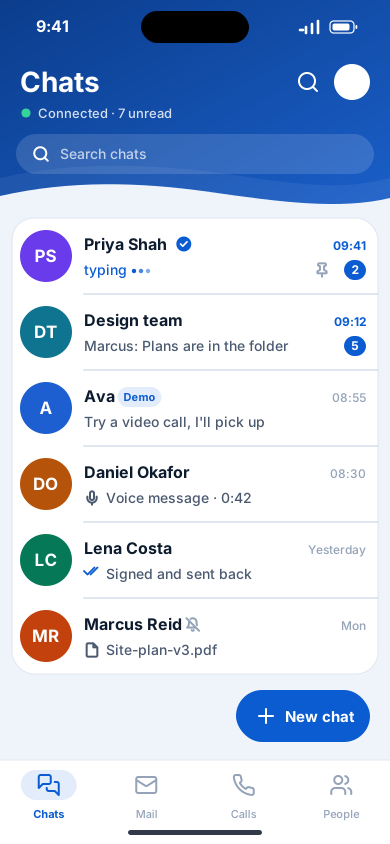
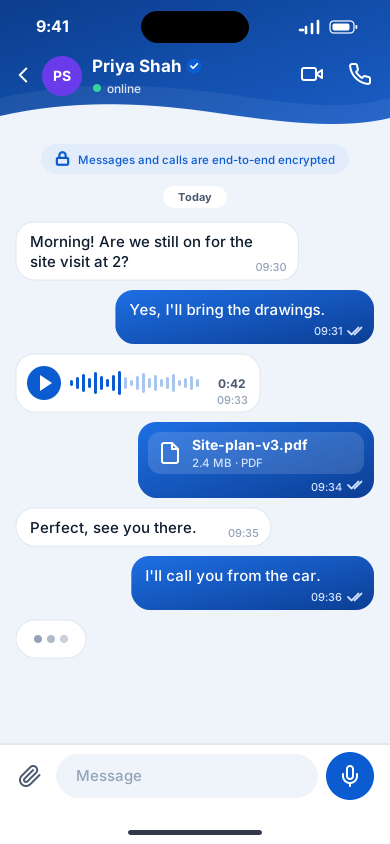
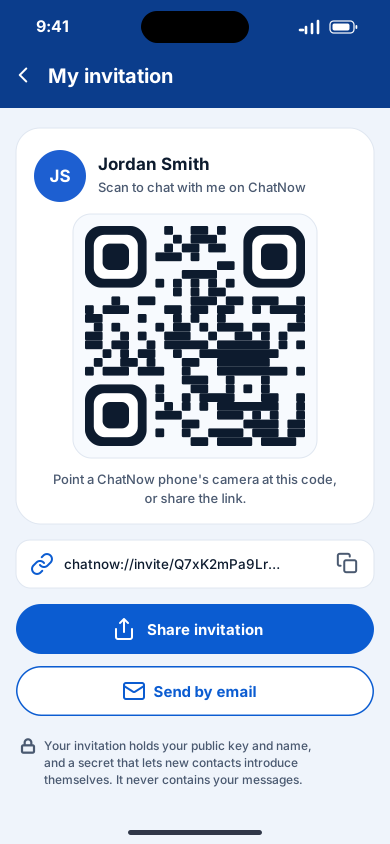
ChatNow gives a business its own private line. Messages, voice messages, files and calls travel straight from one phone to the other, end-to-end encrypted, and no server ever keeps a copy. There is no phone number and no account: colleagues join only by invitation, through a QR code, a link or an email, and the organisation runs its own small connection service, which introduces phones to each other and stores no messages. Chat backups are encrypted with a passphrase only the user knows and kept in their own Google Drive, OneDrive or iCloud Drive, and the same app is a full email client for every account.
Messages, voice messages, files and calls go directly between phones whenever they can. When they can't, a relay passes them on still encrypted, and no server keeps a copy.
Only you and the people you talk to can read or hear what you share. Safety numbers let you check, in person, that you're talking to the right person.
No phone number and no account: you are your key. Colleagues join only through your invitation, by QR code, link or email.
Voice and video calls, groups with replies, reactions and edits, voice messages, and photos, videos and files up to 100 MB.
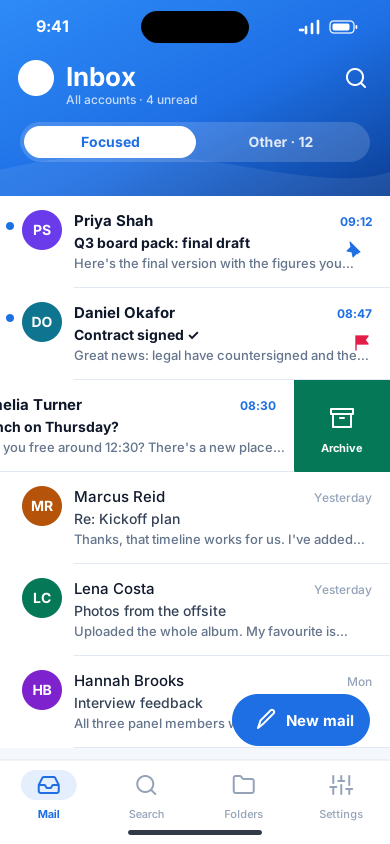
Outlook.com, Microsoft 365, Gmail, iCloud, Yahoo and any IMAP or POP account, with Focused Inbox, swipe actions, snooze and undo send.
Back up your chats to your own Google Drive, OneDrive or iCloud Drive, encrypted on your phone with a passphrase only you know.
No. Chats, files and calls go straight between phones, end-to-end encrypted. When phones can't reach each other directly, a relay passes the encrypted data on without being able to read it, and a message that can't be delivered yet waits on your phone.
No. You are your key. People become contacts only through an invitation you choose to send, as a QR code, a link or an email.
A small connection service that introduces your phones to each other. ChatNow doesn't come with one: your organisation runs its own, closed with an access key if it wishes. It stores no messages and cannot read them.
Only if you turn backup on. Your chats are encrypted on your phone with a passphrase only you know and saved to your own Google Drive, OneDrive or iCloud Drive. Nobody, including Zinteli, can recover a lost passphrase.
Yes. Chat with and call Ava, the demo contact, and explore the demo mailbox. No sign-up needed.
What ChatNow does with your information: your messages and calls are end-to-end encrypted between the phones taking part, and Zinteli never receives them.
The agreement you accept by using ChatNow: your licence to use it, your responsibilities for what you send, and the exclusion of Zinteli's liability.
Book a 30-minute walkthrough with the team that builds ChatNow. Bring your questions; we'll bring the product.
One calm, fast inbox for every email account on Android and iOS. It works offline and has no servers of its own, so your mail stays between you and your provider.
Explore EmailGo
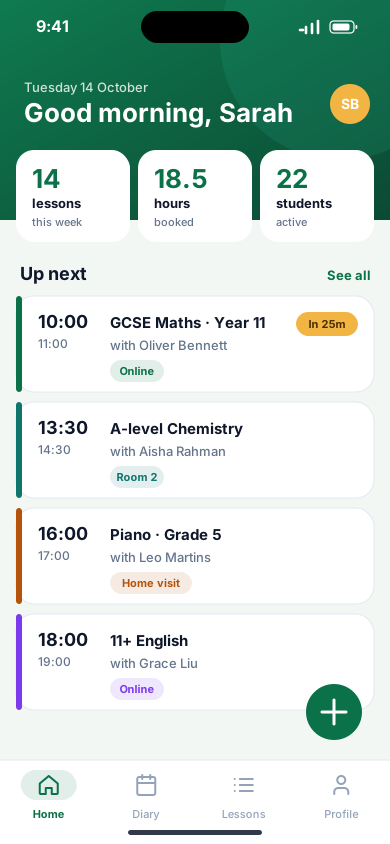
The phone app for tuition schools, tutors and students: lessons, diaries and learners in one place, working offline.
Explore Lesson Manager
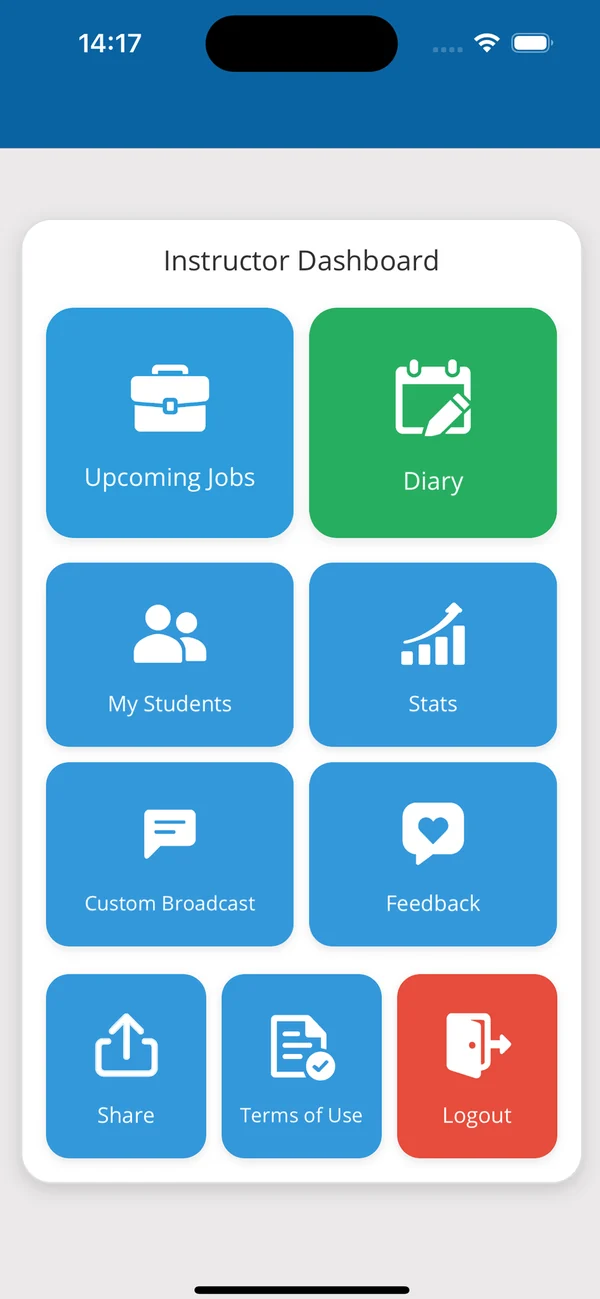
Diary, students, lessons, payments and performance analytics for driving instructors, with a companion app for their learners.
Explore DI Manager