Every account, one inbox
Read accounts together in a unified inbox or one at a time, and send from whichever address you choose.
 School Manager
Back-office platform · The secure back office for modern schools.
School Manager
Back-office platform · The secure back office for modern schools.
 NextLet
Back-office platform · The operating system for lettings agencies.
NextLet
Back-office platform · The operating system for lettings agencies.
 EmailGo
Mobile app · All your email in one fast, private inbox.
EmailGo
Mobile app · All your email in one fast, private inbox.
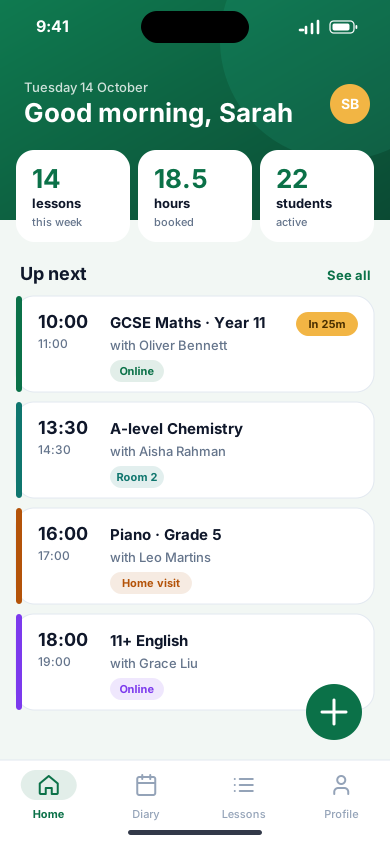
 Lesson Manager
Mobile app · Tuition, organised. Wherever you teach.
Lesson Manager
Mobile app · Tuition, organised. Wherever you teach.
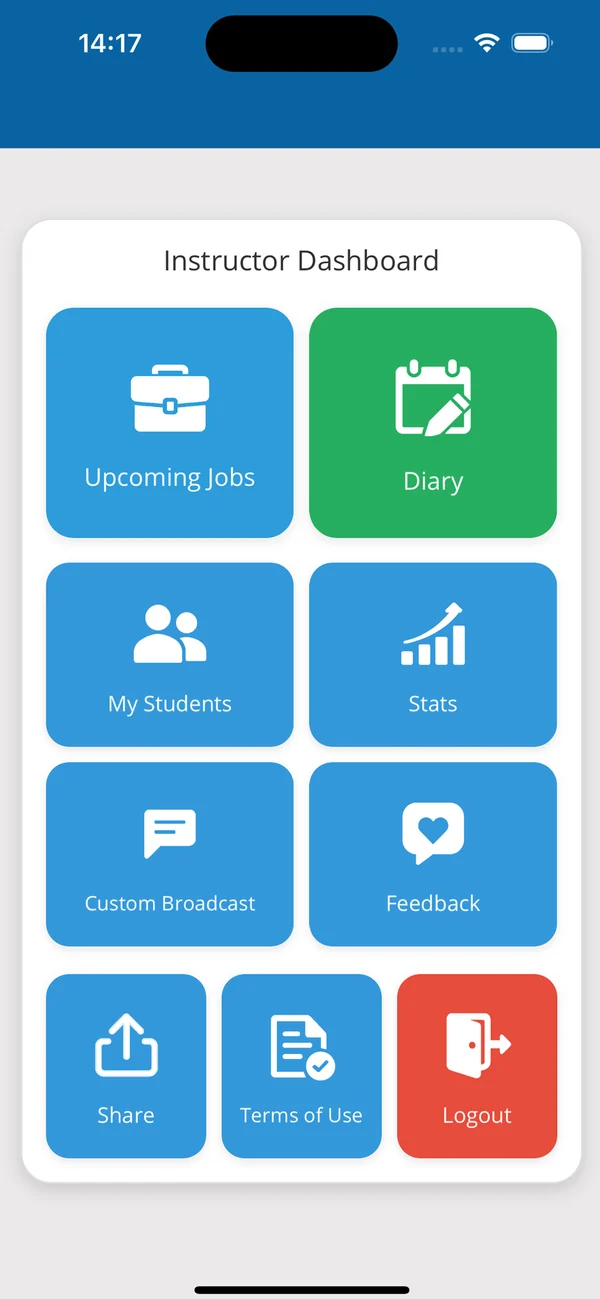
 DI Manager
Mobile app · The driving instructor's business, in one app.
DI Manager
Mobile app · The driving instructor's business, in one app.
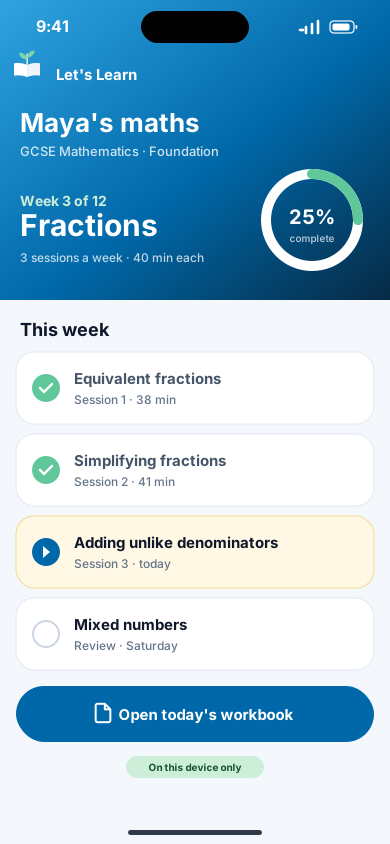
 Let's Learn
AI learning app · Turn any book into a paced workbook.
Let's Learn
AI learning app · Turn any book into a paced workbook.
The engineering behind these products is available for your project: native apps, back offices, APIs and cloud.
Mobile app
All your email in one fast, private inbox.
One calm, fast inbox for every email account on Android and iOS. It works offline and has no servers of its own, so your mail stays between you and your provider.
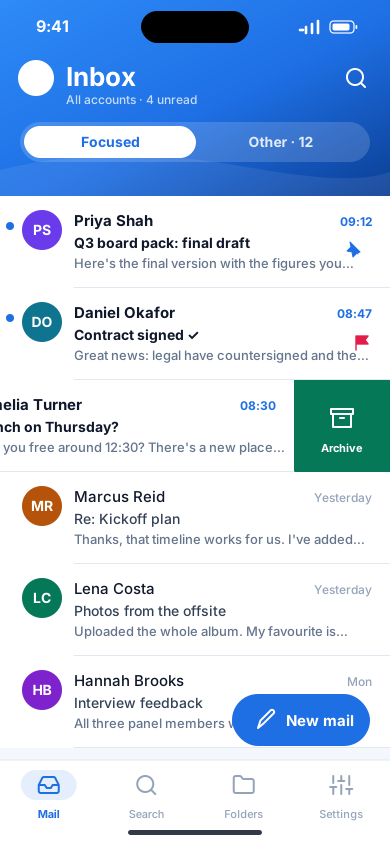
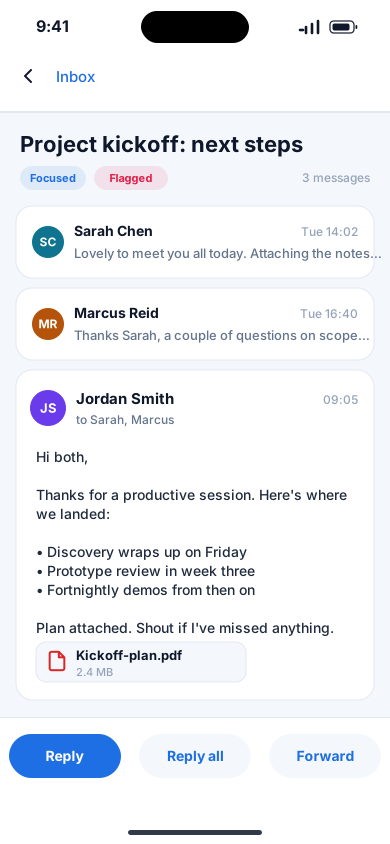
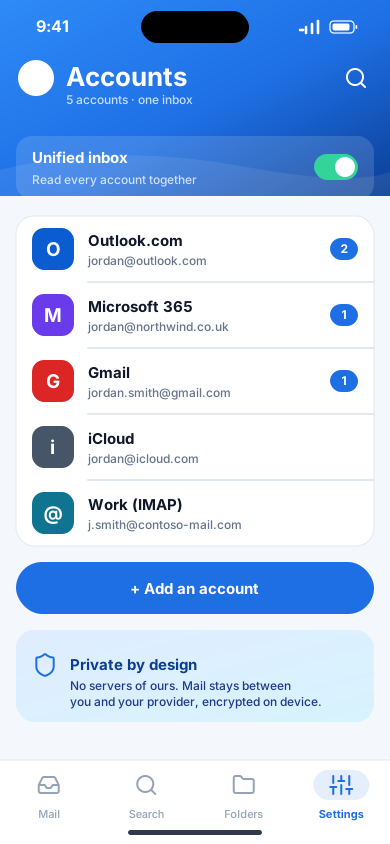
EmailGo brings Outlook.com, Microsoft 365, Gmail, Yahoo, iCloud, AOL and any IMAP account into one inbox. Focused and Other keep what matters on top; swipe actions, snooze, pins and undo send keep you moving. EmailGo has no server: it talks only to your own mail providers, encrypts the mail it keeps on your phone and collects nothing.
Read accounts together in a unified inbox or one at a time, and send from whichever address you choose.
Mail from people you know stays in Focused; newsletters and receipts wait in Other until you want them.
Swipe to archive, delete, flag, snooze or mark as read, and undo anything for a few seconds, including sending.
Snooze until later, tomorrow or next week and it comes back to the top. Pin what you need to keep in sight.
Read, reply and organise without a connection. Everything is sent the moment you're back online, in order.
Mail on the device is encrypted, passwords live in the phone's secure storage, and tracking pixels are blocked.
No. EmailGo has no servers of its own. It connects directly to your mail provider, and the mail it keeps on your phone is encrypted.
Outlook.com, Microsoft 365, Gmail, Yahoo, iCloud, AOL and any service that offers IMAP. A guided setup finds your settings for you.
Yes. Explore the demo mailbox: every feature works on sample mail with no sign-in and no network.
Book a 30-minute walkthrough with the team that builds EmailGo. Bring your questions; we'll bring the product.
The phone app for tuition schools, tutors and students: lessons, diaries and learners in one place, working offline.
Explore Lesson Manager
Diary, students, lessons, payments and performance analytics for driving instructors, with a companion app for their learners.
Explore DI Manager
On-device AI that turns any educational PDF into a personalised, paced series of print-ready workbooks, with nothing sent to the cloud.
Explore Let's Learn